Published - Fri, 21 Feb 2025
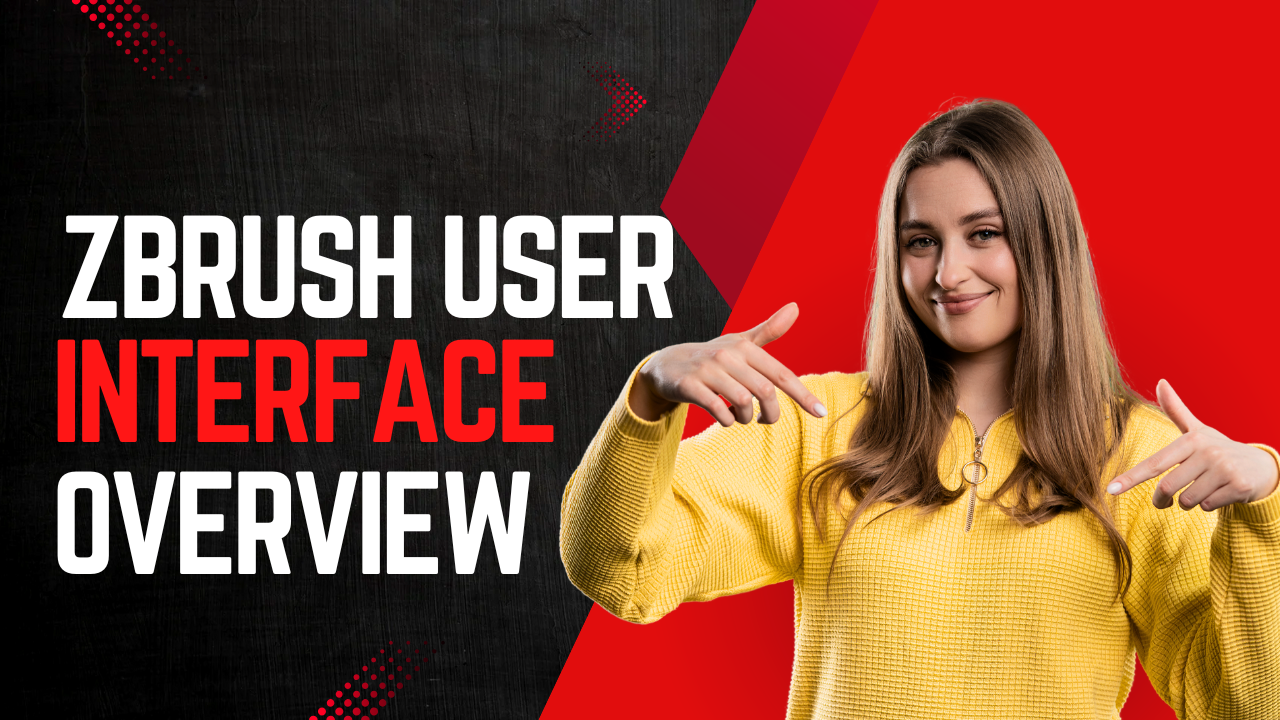
ZBrush User Interface Overview
### ZBrush User Interface Overview
ZBrush has a unique and highly customizable user interface (UI) designed to streamline the digital sculpting process. While it may seem overwhelming at first, understanding the layout and key components will help you navigate and use ZBrush efficiently. Below is a breakdown of the ZBrush user interface:
---
### **Main Components of the ZBrush Interface**
#### **1. Canvas**
- The central area where you sculpt and interact with your 3D models.
- You can rotate, pan, and zoom the canvas using:
- **Rotate:** Click and drag with the mouse.
- **Pan:** Hold **Alt** + click and drag.
- **Zoom:** Hold **Alt** + click and release (without dragging).
#### **2. Top Menu Bar**
- Contains global menus like **File**, **Edit**, **Light**, **Render**, and **Preferences**.
- Key options:
- **File:** Open, save, and import/export projects.
- **Preferences:** Customize ZBrush settings, including UI, hotkeys, and performance.
#### **3. Left and Right Shelves**
- **Left Shelf:** Contains commonly used tools like brushes, strokes, and alphas.
- **Right Shelf:** Includes navigation tools, viewport options, and display settings.
#### **4. Tool Palette**
- Located on the right side of the screen.
- Contains all the tools (e.g., brushes, meshes, and primitives) you can use in ZBrush.
- Key tools:
- **Brush:** Select different sculpting brushes.
- **Stroke:** Define how the brush interacts with the model.
- **Alpha:** Apply textures or patterns to your brush strokes.
- **Material:** Choose surface materials for your model.
#### **5. SubTool Palette**
- Located under the **Tool** menu.
- Allows you to manage multiple parts of your model (e.g., body, clothing, accessories).
- Use **Append** to add new Subtools to your project.
#### **6. Transforms Palette**
- Located at the top of the screen.
- Contains tools for moving, scaling, and rotating your model.
- Key options:
- **Move (W), Scale (E), Rotate (R):** Standard transform tools.
- **Activate Symmetry (X):** Enable symmetry for sculpting.
#### **7. Brush Palette**
- Contains all the sculpting brushes.
- Popular brushes:
- **Standard:** Basic sculpting brush.
- **Move:** Adjust the shape of your model.
- **ClayBuildup:** Add volume to your model.
- **DamStandard:** Create sharp details like cracks or wrinkles.
#### **8. Layers Palette**
- Allows you to work non-destructively by adding details on separate layers.
- Useful for experimenting with different sculpting ideas.
#### **9. Geometry Palette**
- Contains tools for managing your model's topology.
- Key options:
- **Divide:** Increase the polygon count for finer details.
- **Dynamesh:** Recalculate topology dynamically.
- **ZRemesher:** Automatically generate clean topology.
#### **10. Light and Render Palettes**
- **Light Palette:** Adjust lighting for your scene.
- **Render Palette:** Control rendering settings for creating final images.
#### **11. Quick Access Buttons**
- Located at the top of the canvas for easy access to common actions:
- **Draw (Q):** Enter sculpting mode.
- **Edit (T):** Enter edit mode to manipulate the model.
- **Undo (Ctrl+Z):** Undo the last action.
---
### **Customizing the Interface**
ZBrush allows you to customize the UI to suit your workflow:
1. **Move Palettes:**
- Drag and drop palettes to rearrange them.
2. **Save Custom UI:**
- Go to **Preferences > Config > Store Config** to save your custom layout.
3. **Hotkeys:**
- Assign custom hotkeys under **Preferences > Hotkeys**.
---
### **Key Tips for Navigating the UI**
- **Hide/Show UI:** Press **Ctrl+Shift** to hide the UI and focus on your model. Press it again to restore the UI.
- **Pop-Up Menus:** Right-click on the canvas to access quick menus for brushes, alphas, and materials.
- **Custom Menus:** Create custom menus for frequently used tools under **Preferences > Customize UI**.
---
### **Learning the Interface**
- **Practice:** Spend time exploring each palette and tool to understand their functions.
- **Tutorials:** Watch beginner tutorials to see the UI in action.
- **Documentation:** Refer to the official ZBrush documentation for detailed explanations.
---
By familiarizing yourself with the ZBrush user interface, you’ll be able to work more efficiently and unlock the full potential of this powerful sculpting tool.
Created by
Shavikant Chauhan
Welcome to my website! My name is Anil Chauhan, and I am a 3D modeling and animation expert with over 15 years of experience in the field. I have a passion for creating visually stunning 3D models, animations, and graphics, and I'm excited to share my expertise with you. Whether you're a beginner or an experienced artist, I can help you improve your skills in 3D modeling, texturing, lighting, animation, rigging, CG graphics, and VFX. Let's work together to bring your creative ideas to life!
Welcome to my website! My name is Shavikant Chauhan, and I am a 3D modeling and animation expert with over 15 years of experience in the field. I have always had a passion for creating visually stunning 3D models, animations, and graphics, and my work has been featured in a variety of industries including film, television, advertising, and video games.
Throughout my career, I have had the opportunity to work on a wide range of projects, from small independent films to large-scale productions. This has given me a diverse set of skills and a deep understanding of the 3D animation process from start to finish. I have expertise in complete 3D modeling, texturing, lighting, animation, rigging, CG graphics, and VFX, and I'm always eager to take on new and exciting challenges.
As a tutor, I am dedicated to sharing my knowledge and experience with aspiring artists and professionals alike. I believe that everyone has the potential to create amazing 3D models and animations, and I'm committed to helping my students achieve their goals. Whether you're a beginner looking to get started in the world of 3D animation, or an experienced artist looking to take your skills to the next level, I can provide personalized training and guidance to help you achieve your creative vision.
Comments (0)
Search
Popular categories
Adobe After Effects 2025
30Unreal Engine
15zbrush
10Light
10Maya Animation
8zbrush tutorial jewelry
7Latest blogs
Introduction to Arnold in Maya
Mon, 24 Feb 2025
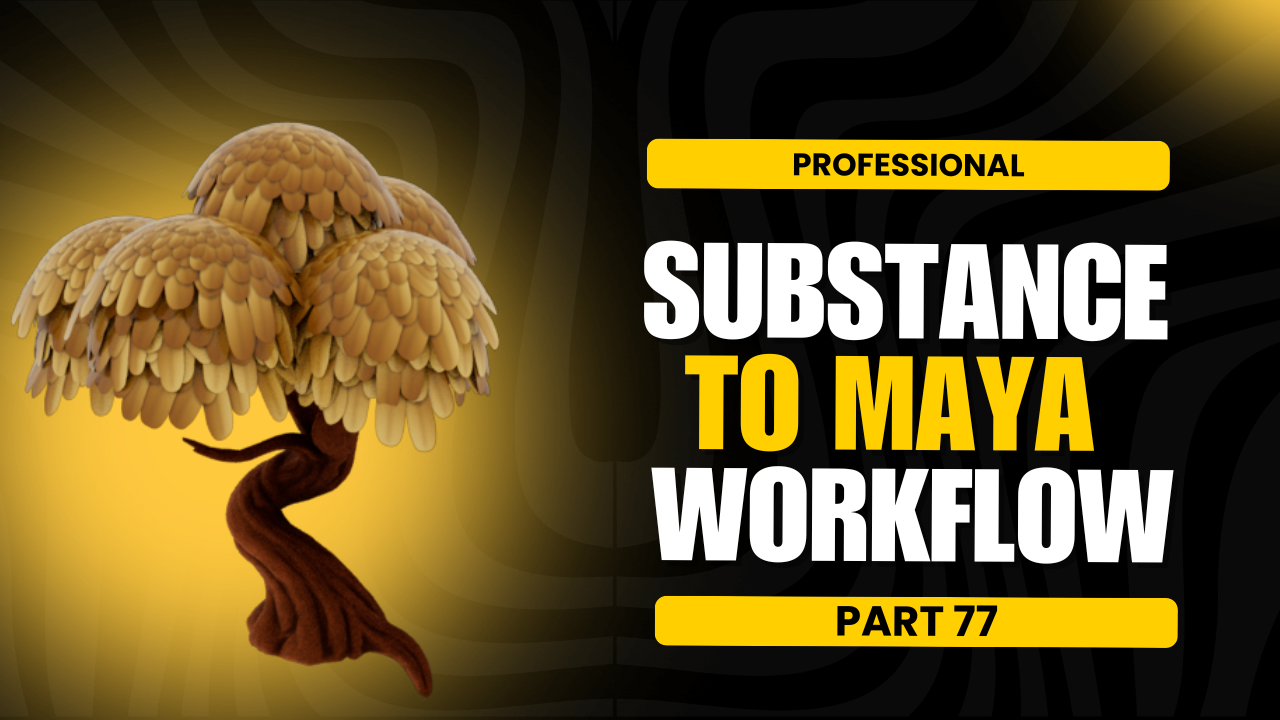
Substance to Maya Workflow
Sat, 22 Feb 2025
ZBrush User Interface Overview
Fri, 21 Feb 2025
Write a public review